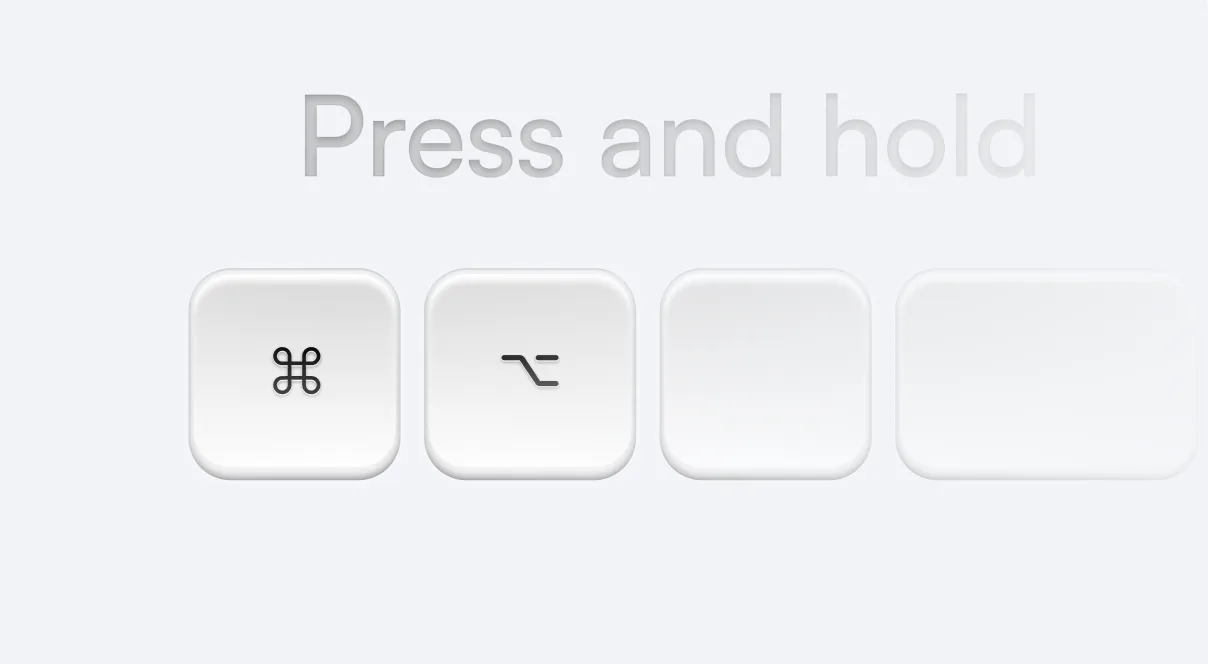
Press your hotkey
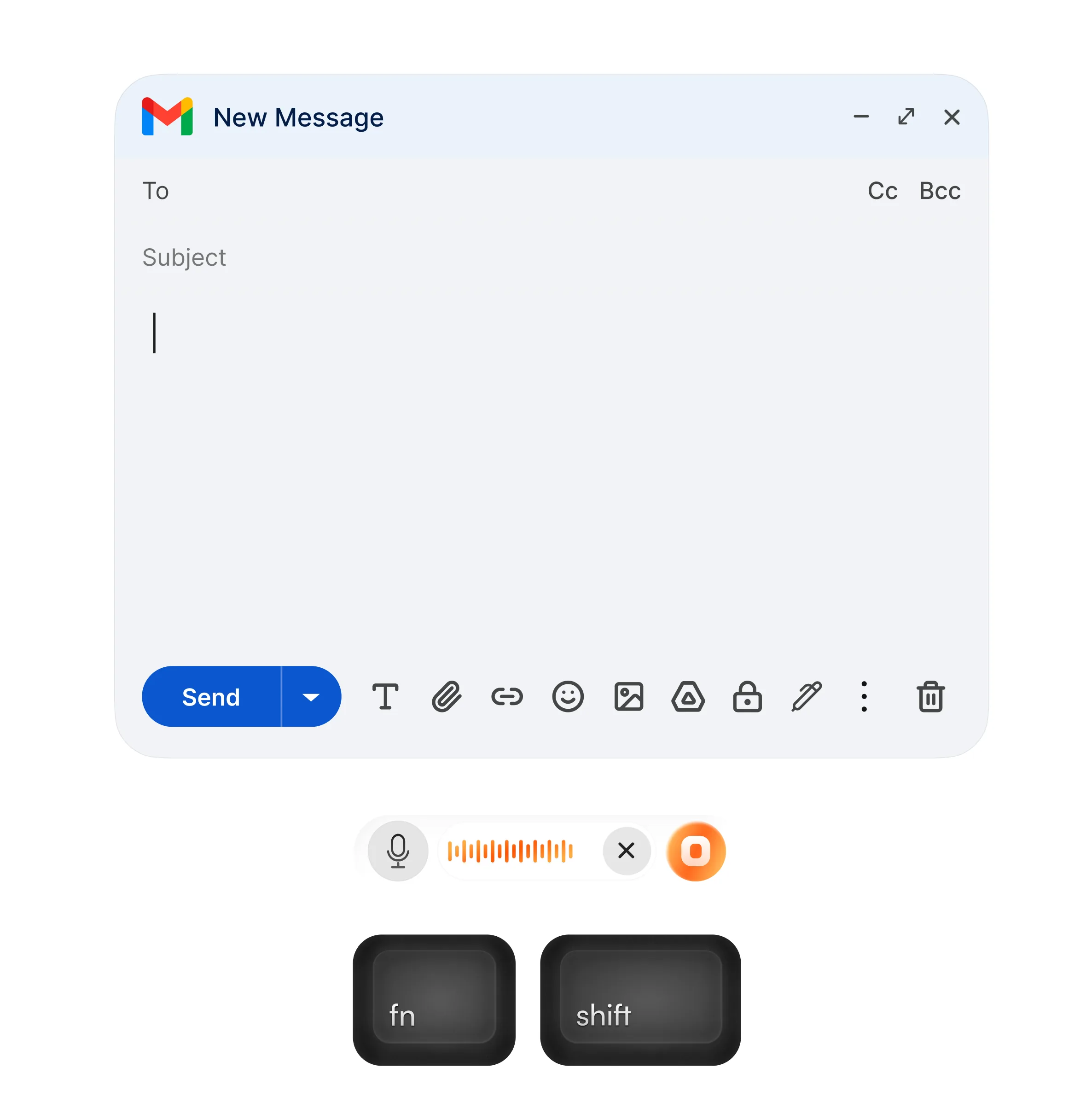
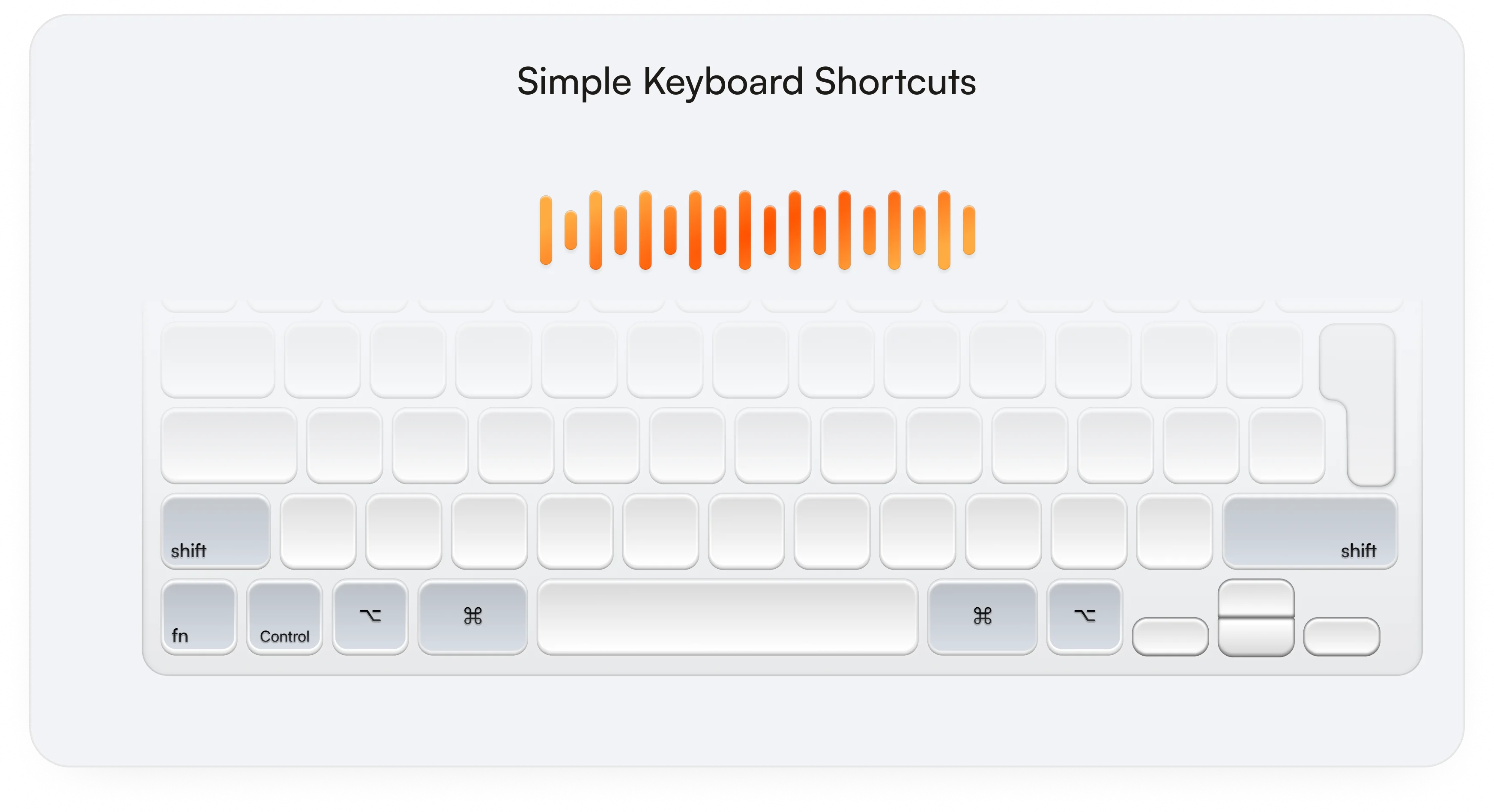
Perform a quick action by holding the key, or double tap, sit back and speak your thoughts out loud.


IntuitionTyper turns your voice into messages, documents, prompts, images, and more, right where you're working.





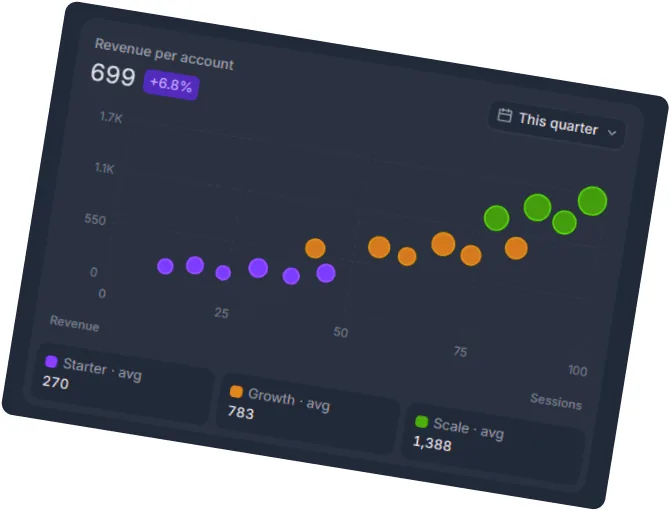
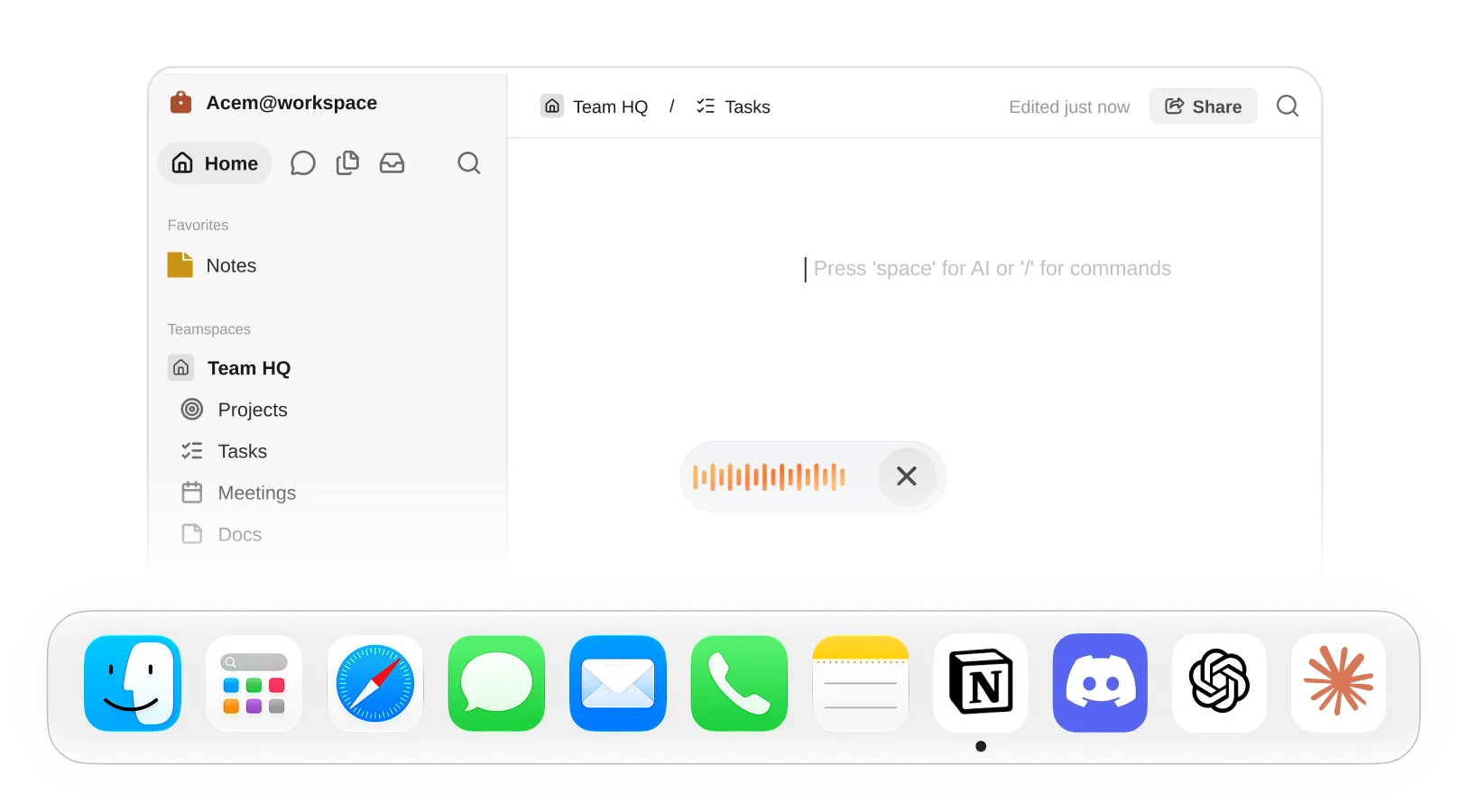
IntuitionTyper works everywhere with just a key press, without the need for you to switch to a separate app.
Perform a quick action by holding the key, or double tap, sit back and speak your thoughts out loud.
You speak 4X faster than you type. Use your voice to channel your flow of thoughts in your mind.
Release the key. IntuitionTyper creates the result and places it where you're working.
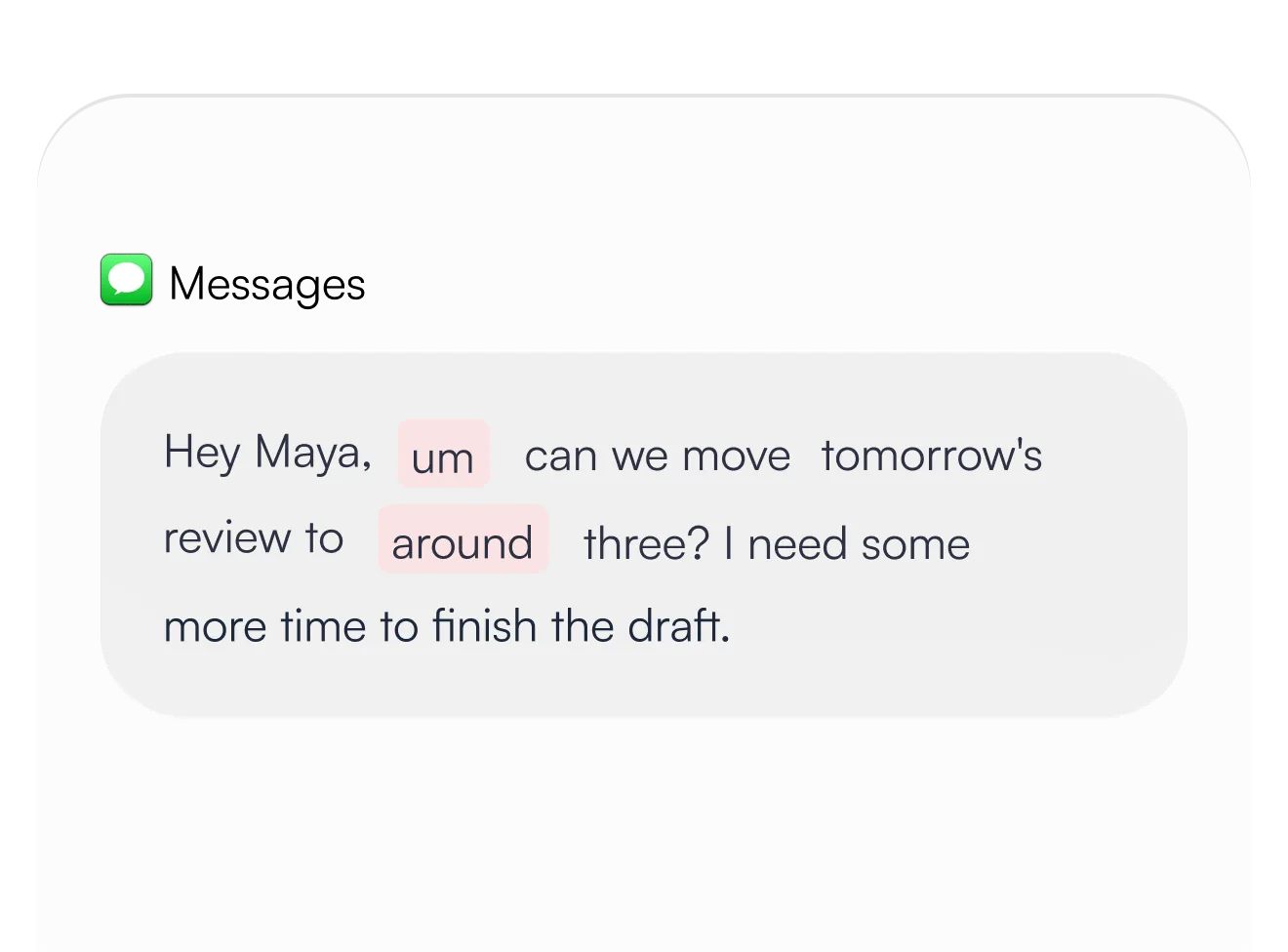
 Dictation
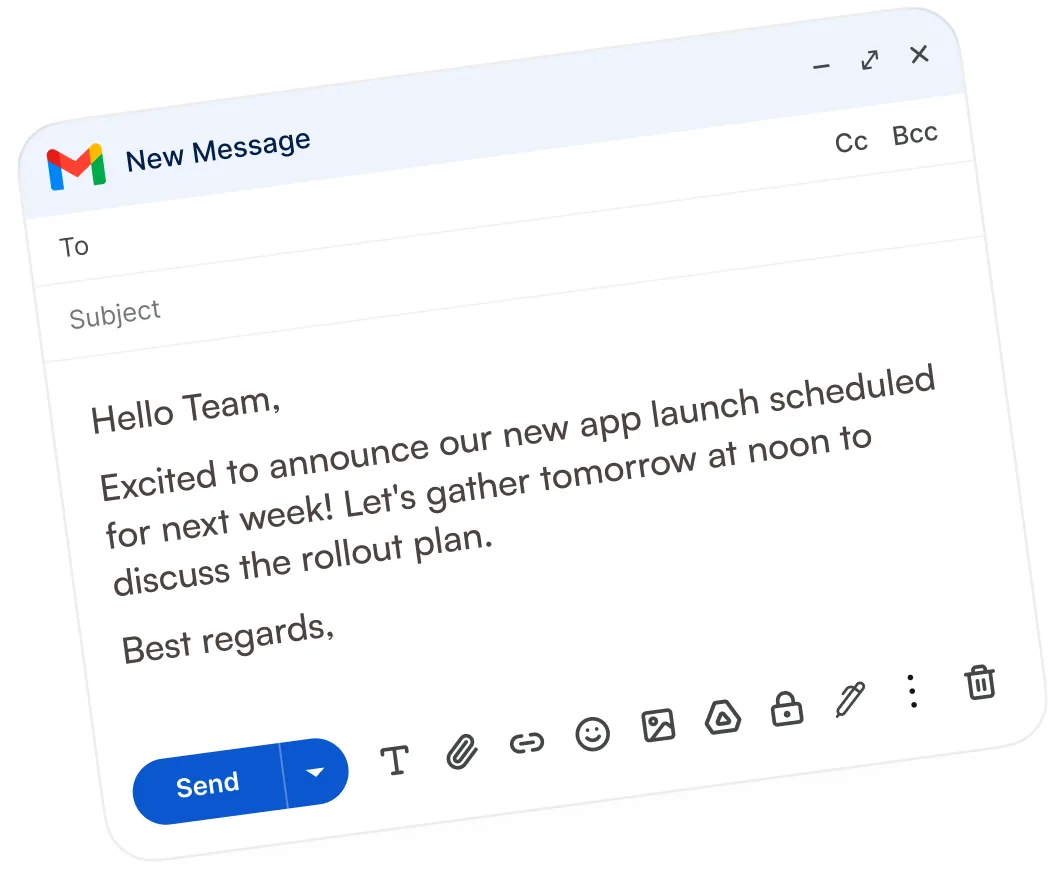
Write emails, messages, and documents by speaking naturally, without typing or fixing every sentence.
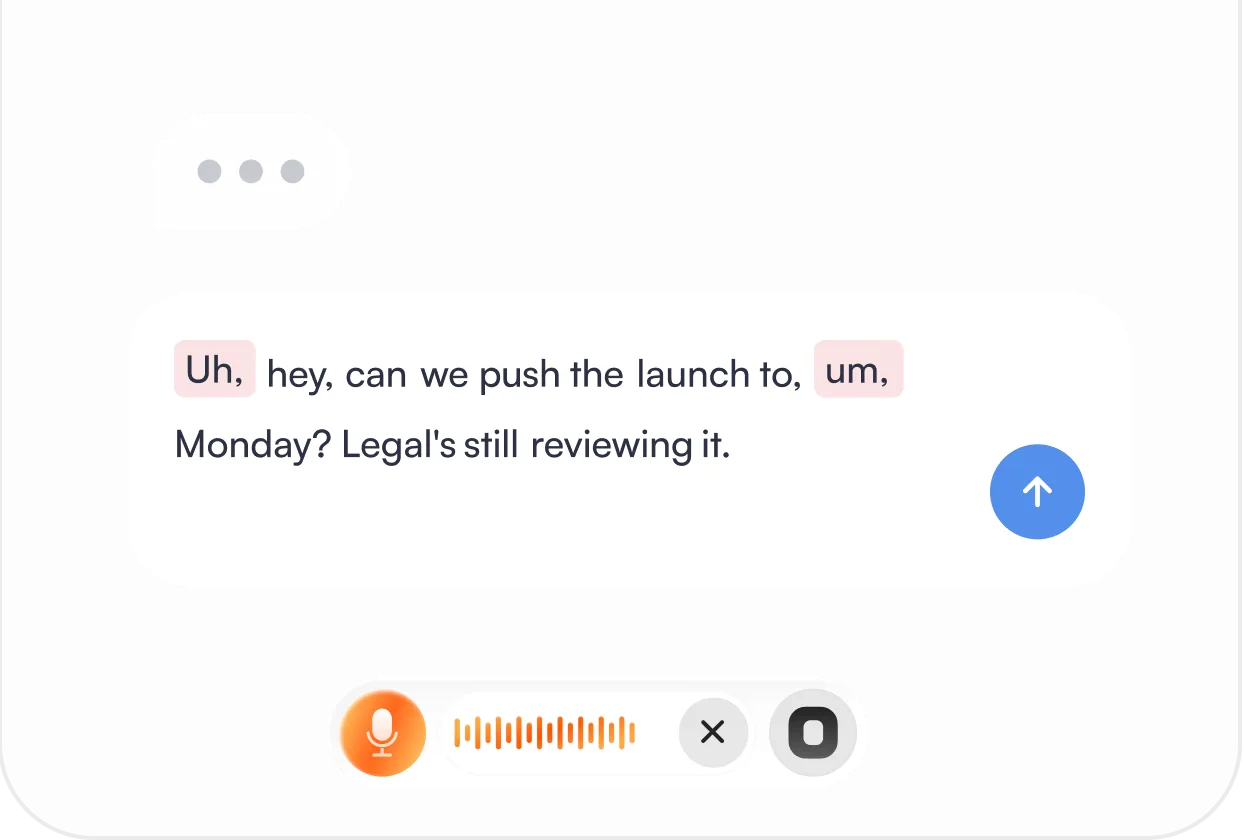
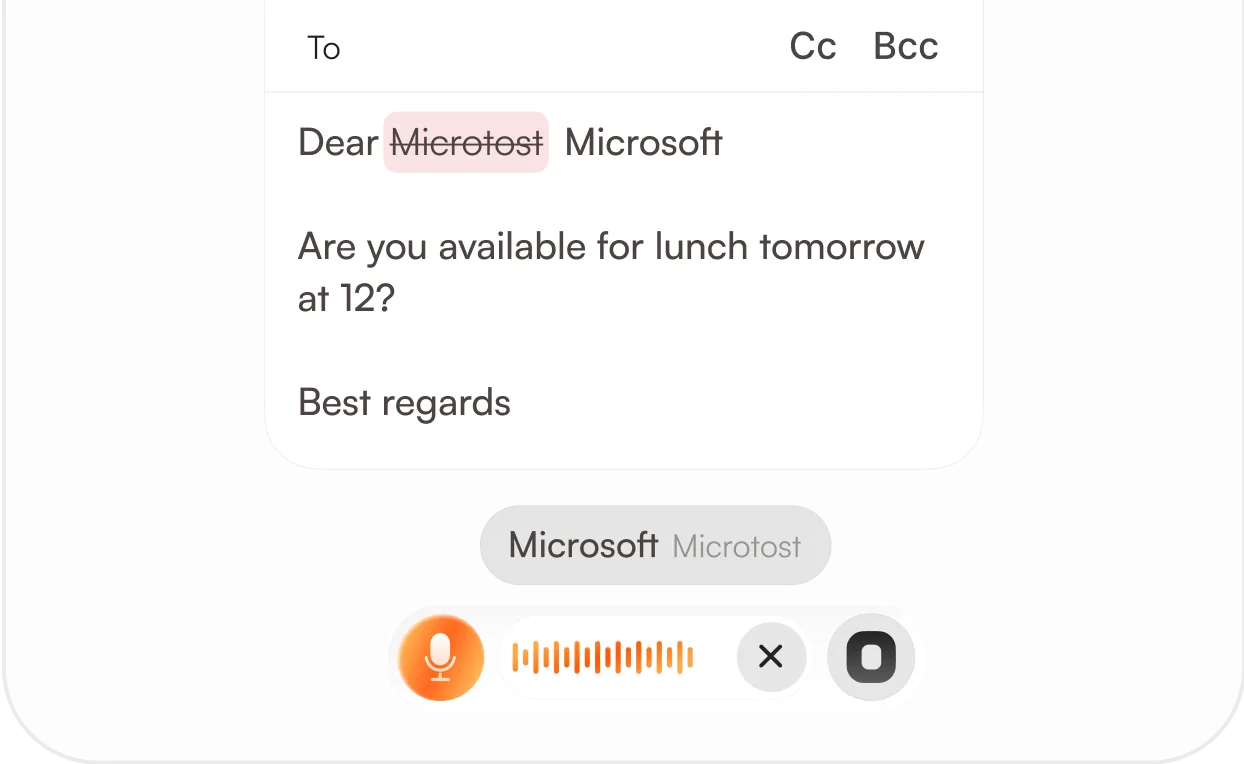
Pause, repeat, or change your words mid-sentence. Fillers and misspeaks are removed while your intended message stays intact.
Speak into emails, documents, messages, and AI tools. Your words appear wherever your cursor is, without copying or pasting.
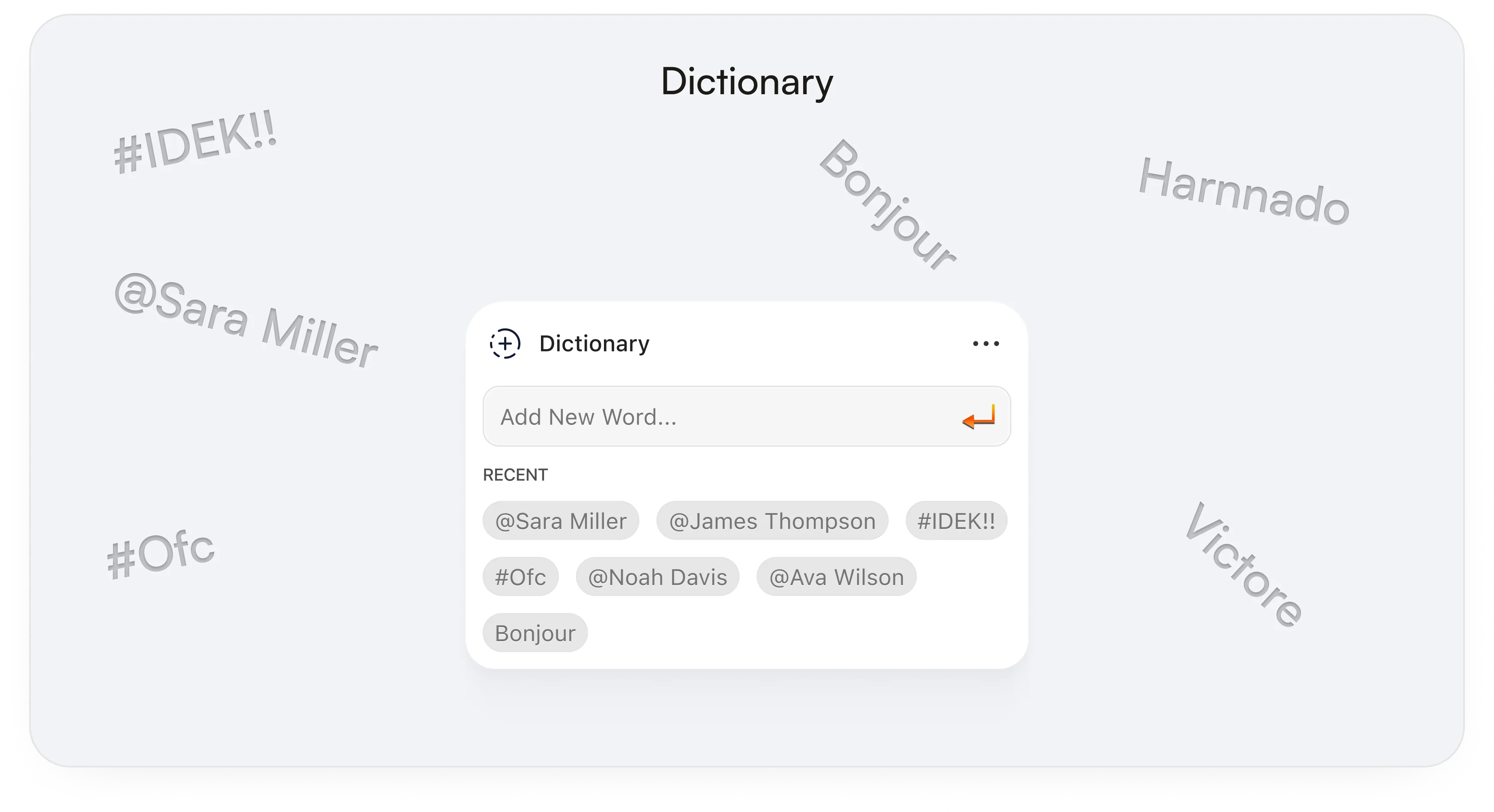
Add client names, brand names, and technical terms to your dictionary so they're transcribed correctly.
Hold your assigned key, speak naturally, and release to insert your text without interrupting your workflow.
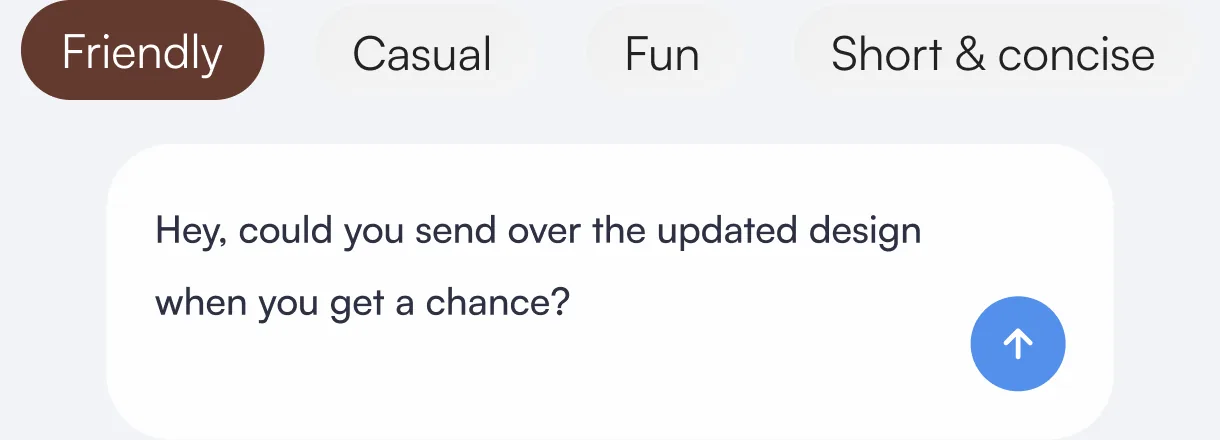
Turn speech into text that follows your preferred writing tone while preserving what you meant to say.
 Goal
Create emails, documents, prompts, and images just by describing what you need, with the results appearing right where your cursor is.
Process your voice online for stronger cleanup and more natural rewriting.
Refine cleanly even for longer speech.
Turn long, unstructured thoughts into clean text without editing every sentence yourself.
Describe what you need, and IntuitionTyper creates it right where your cursor is, using your screen context.
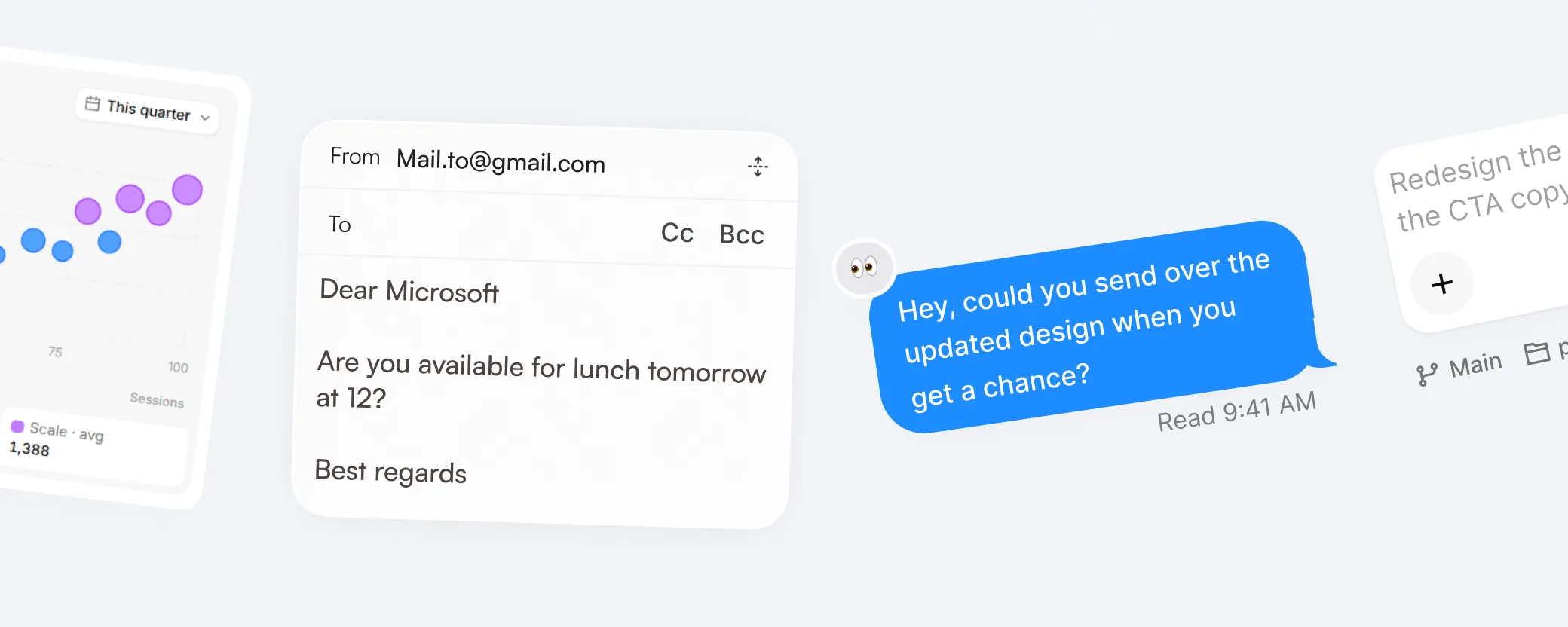
Write replies, documents, prompts, and images without switching tools. The result shows up right where you're working.
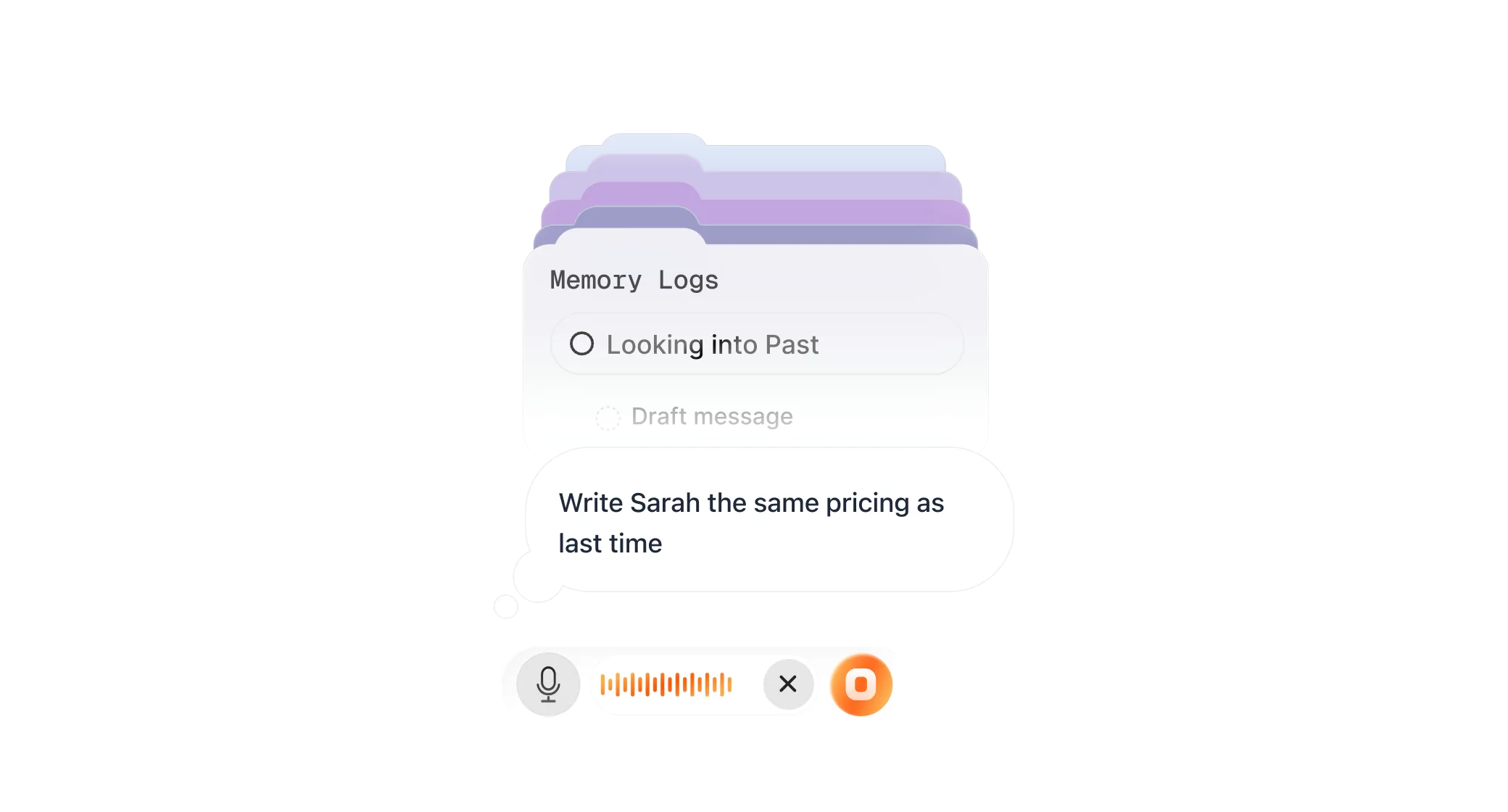
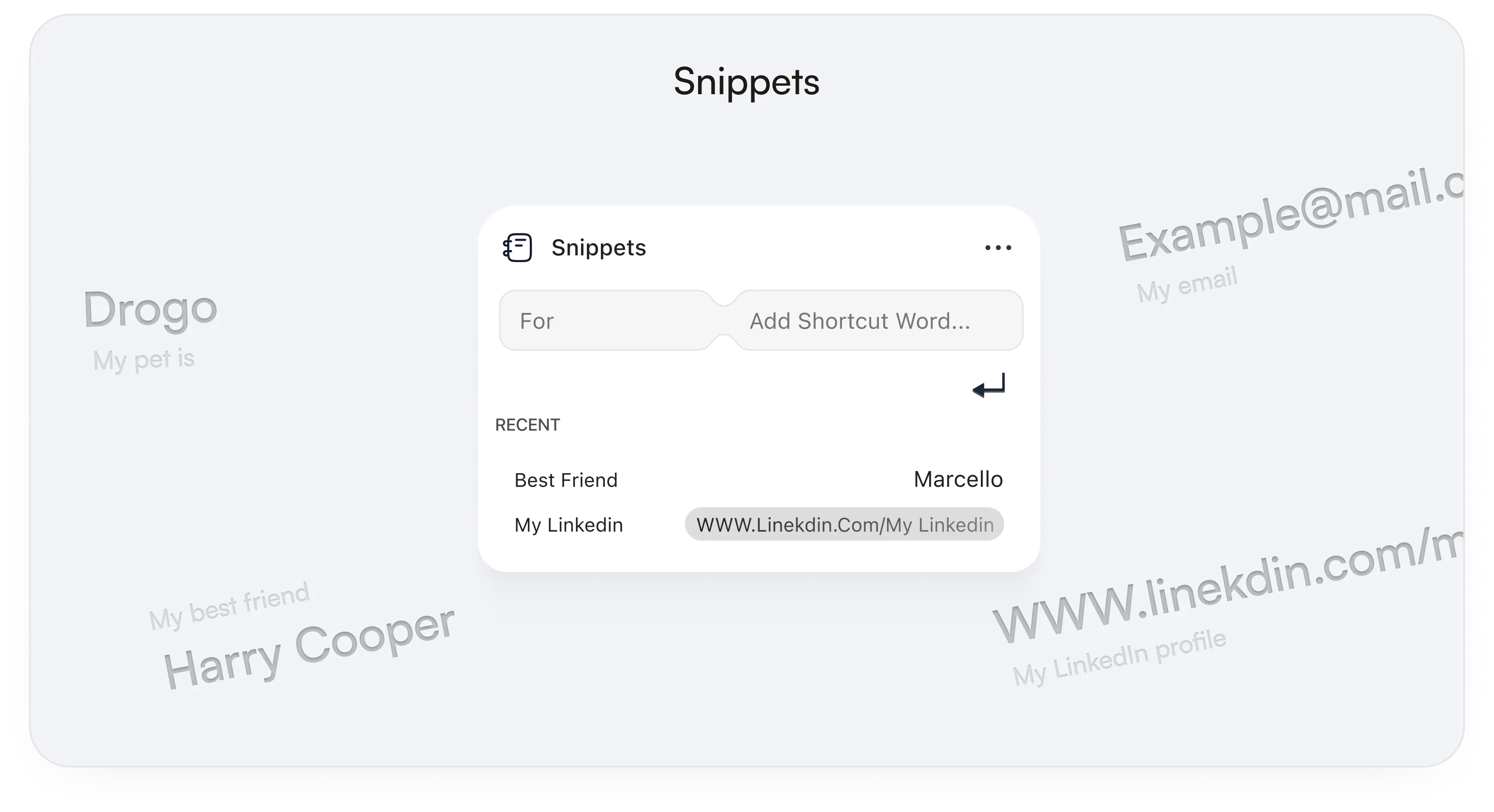
Recalls previous work and saved details so you can say “same as last time.”
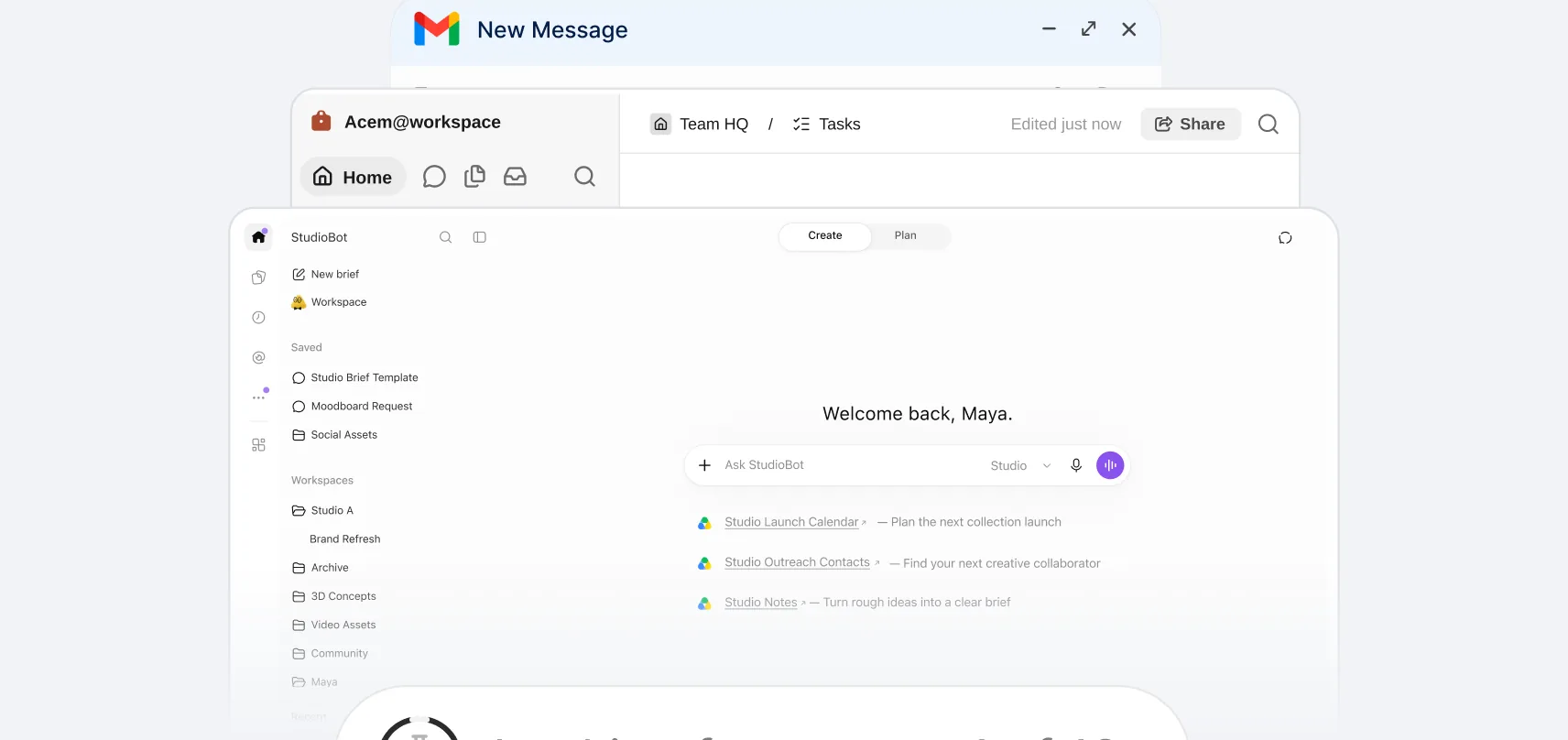

Uses the active app, selected text, and nearby content to create the right output.
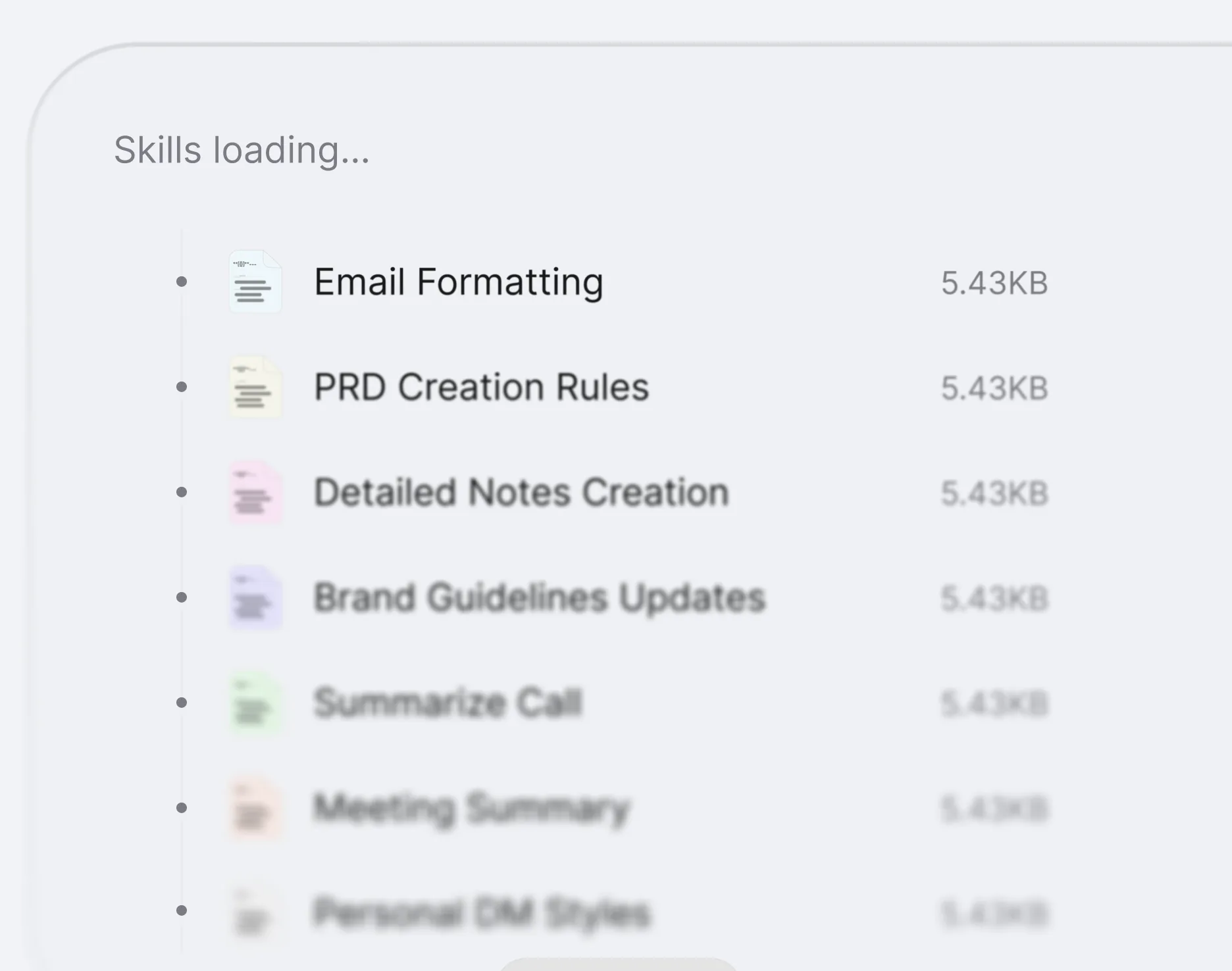
Apply your own formats, writing rules, and reusable instructions so the output matches how you or your team work.
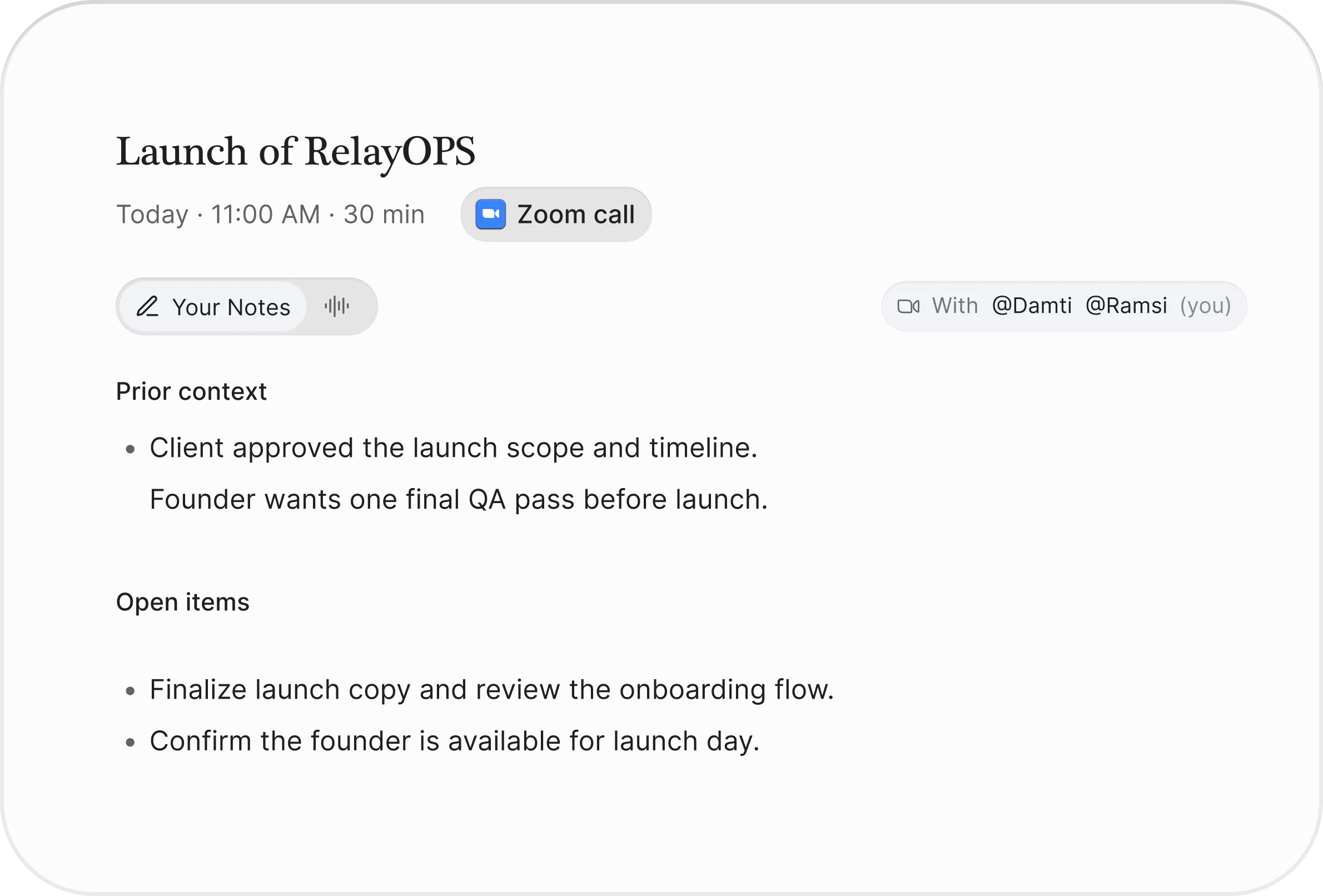
Turn recent call context into notes and action items, even if you speak after the meeting is over.
From everyday communication to documents and visuals, explore what IntuitionTyper can help you produce.
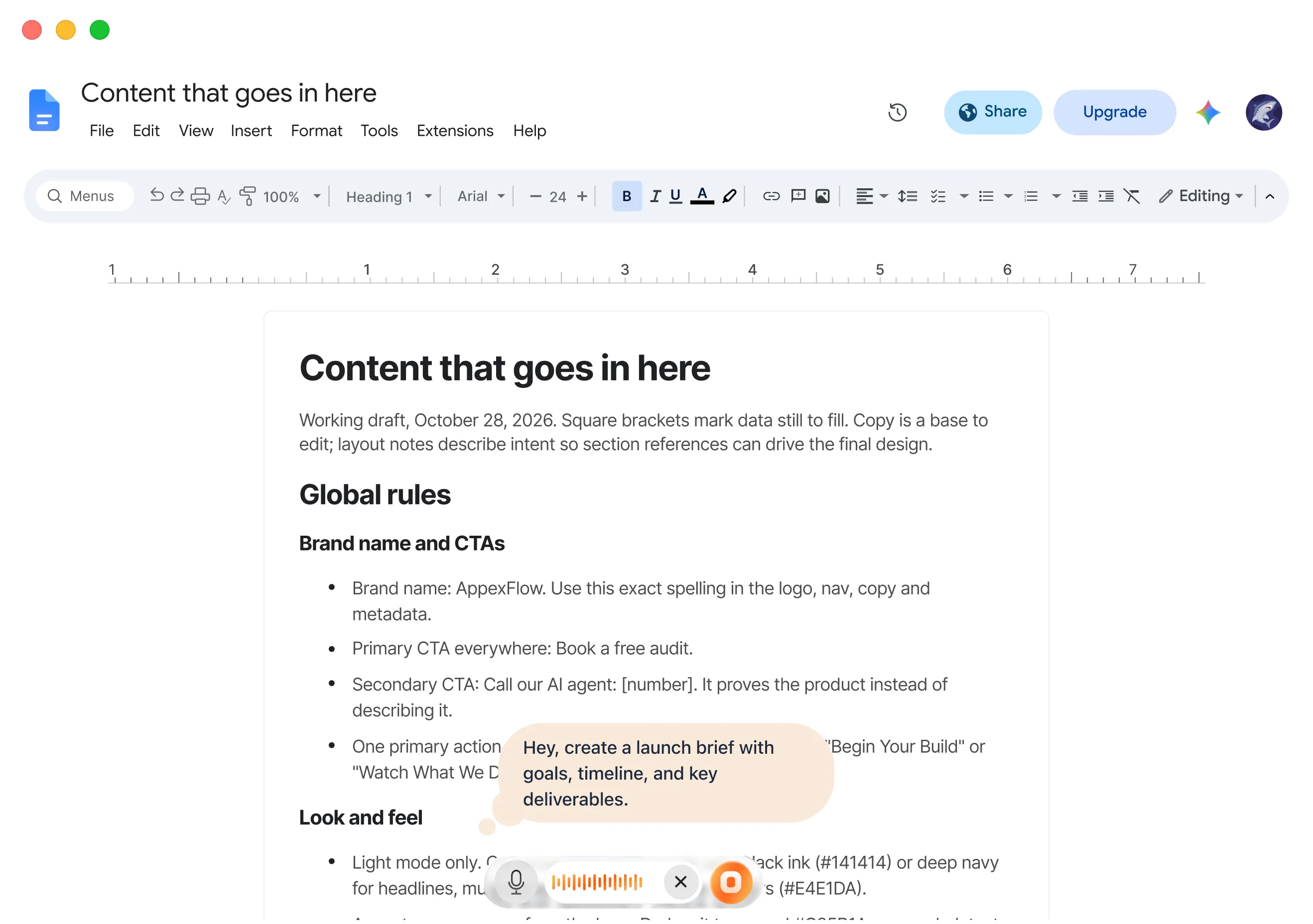
Turn a spoken request into a formatted guide or report, complete with headings, tables, and diagrams.
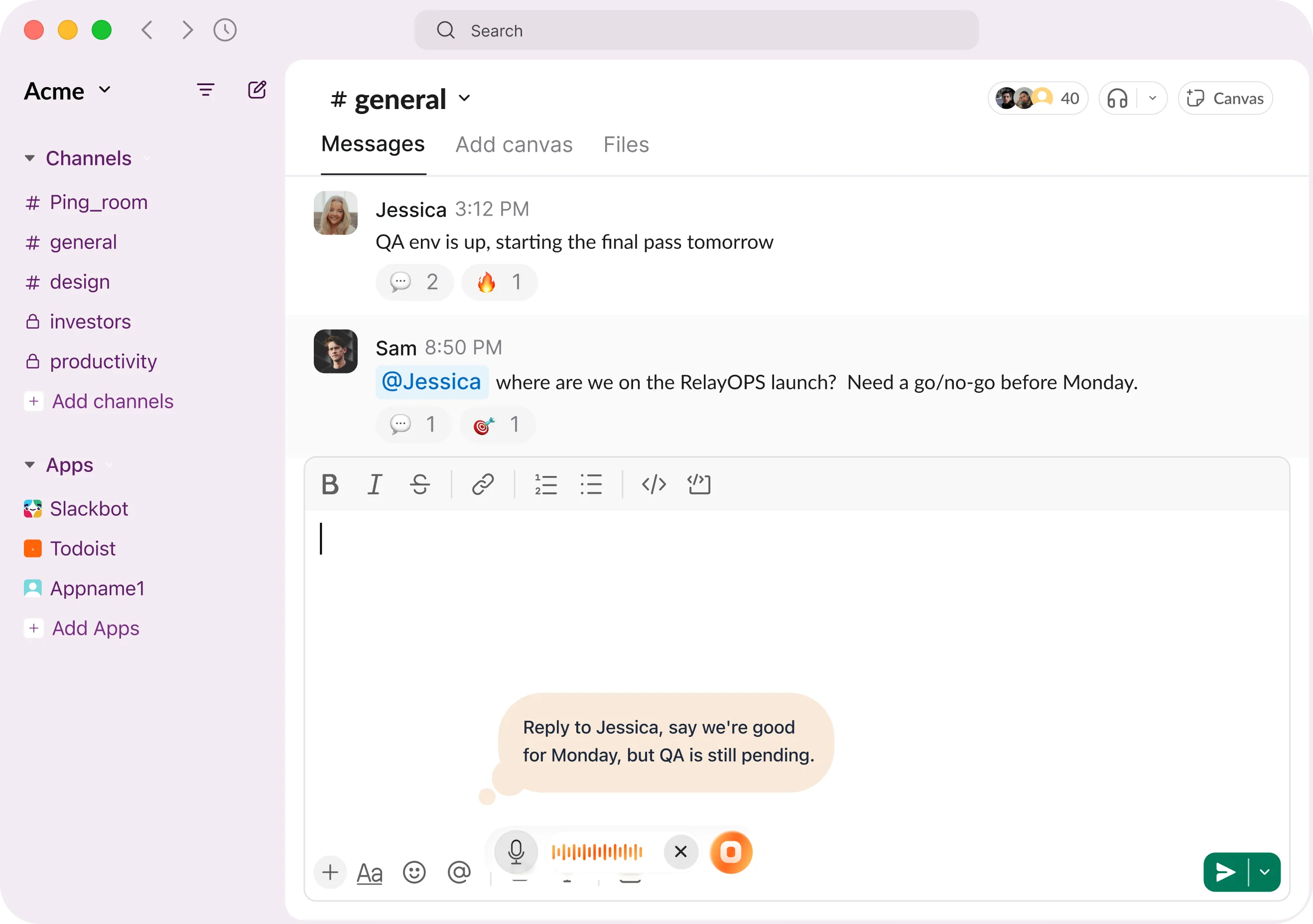
Tell it how to respond to an email or chat, and get a reply based on the conversation.
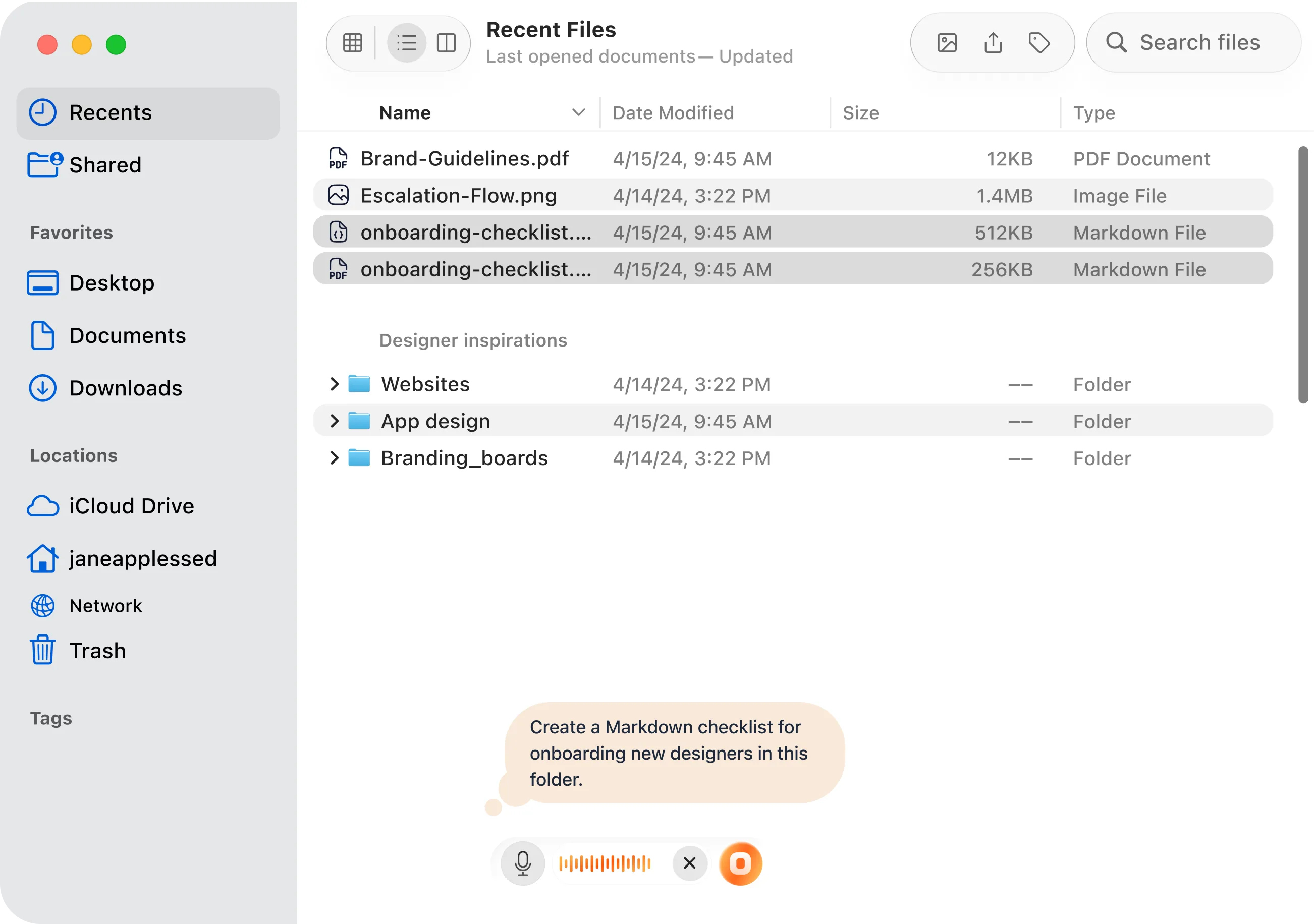
Generate a single image, code, or Markdown file directly in your open Finder folder.
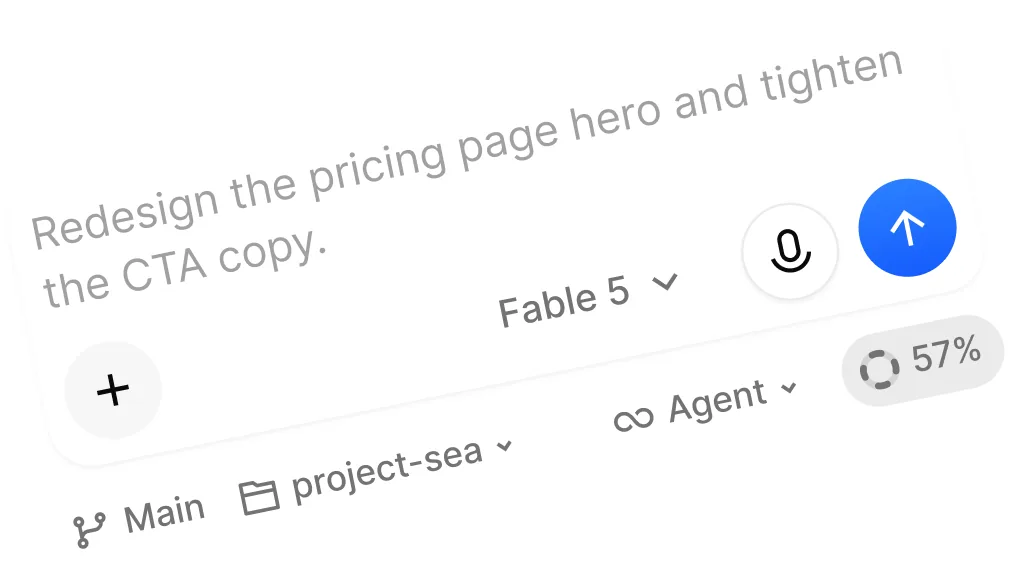
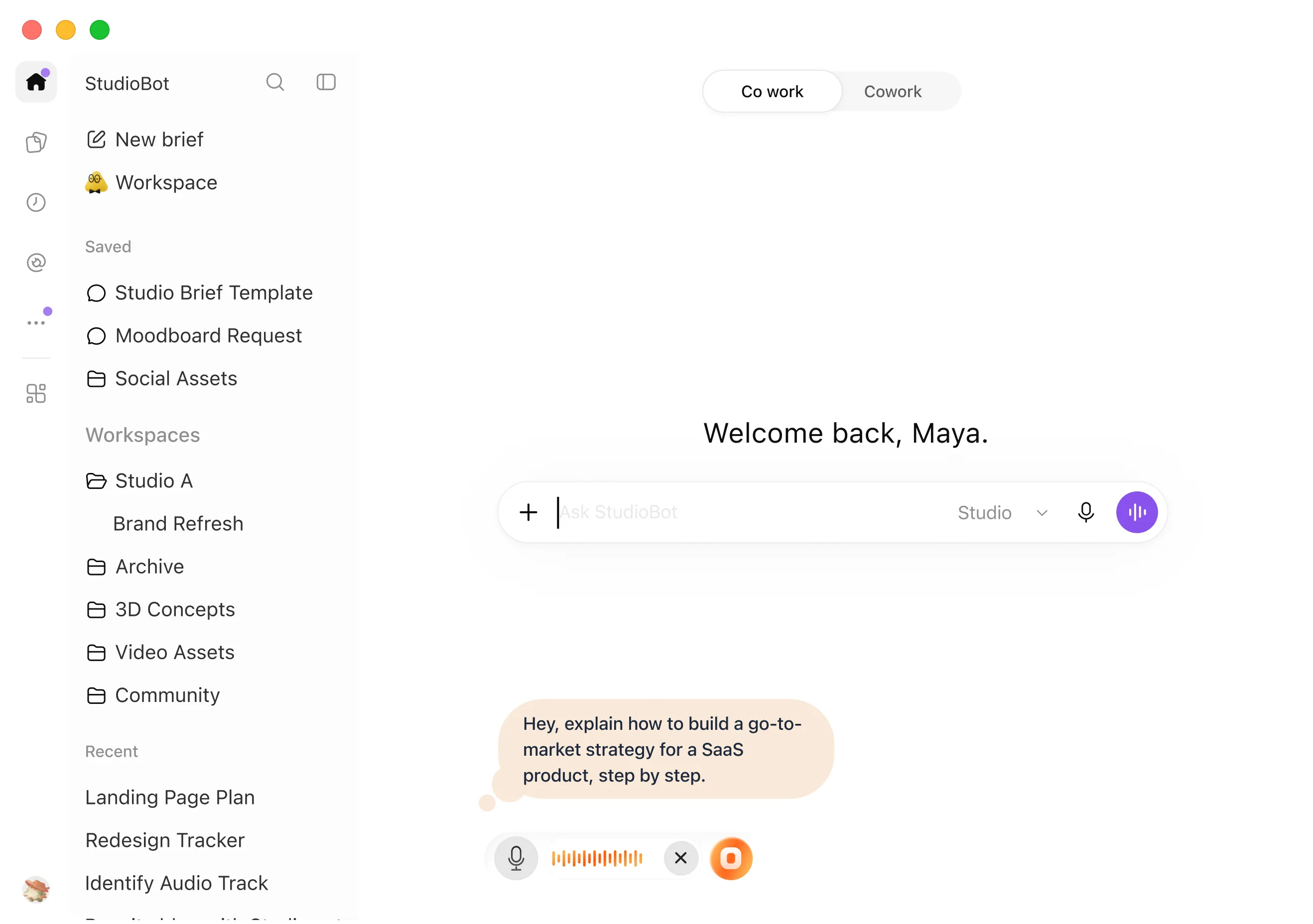
Describe what you want an AI tool to do and get a structured prompt in ChatGPT, Claude, or Cursor.
Describe a visual and have it generated inside your document or saved directly to Finder.
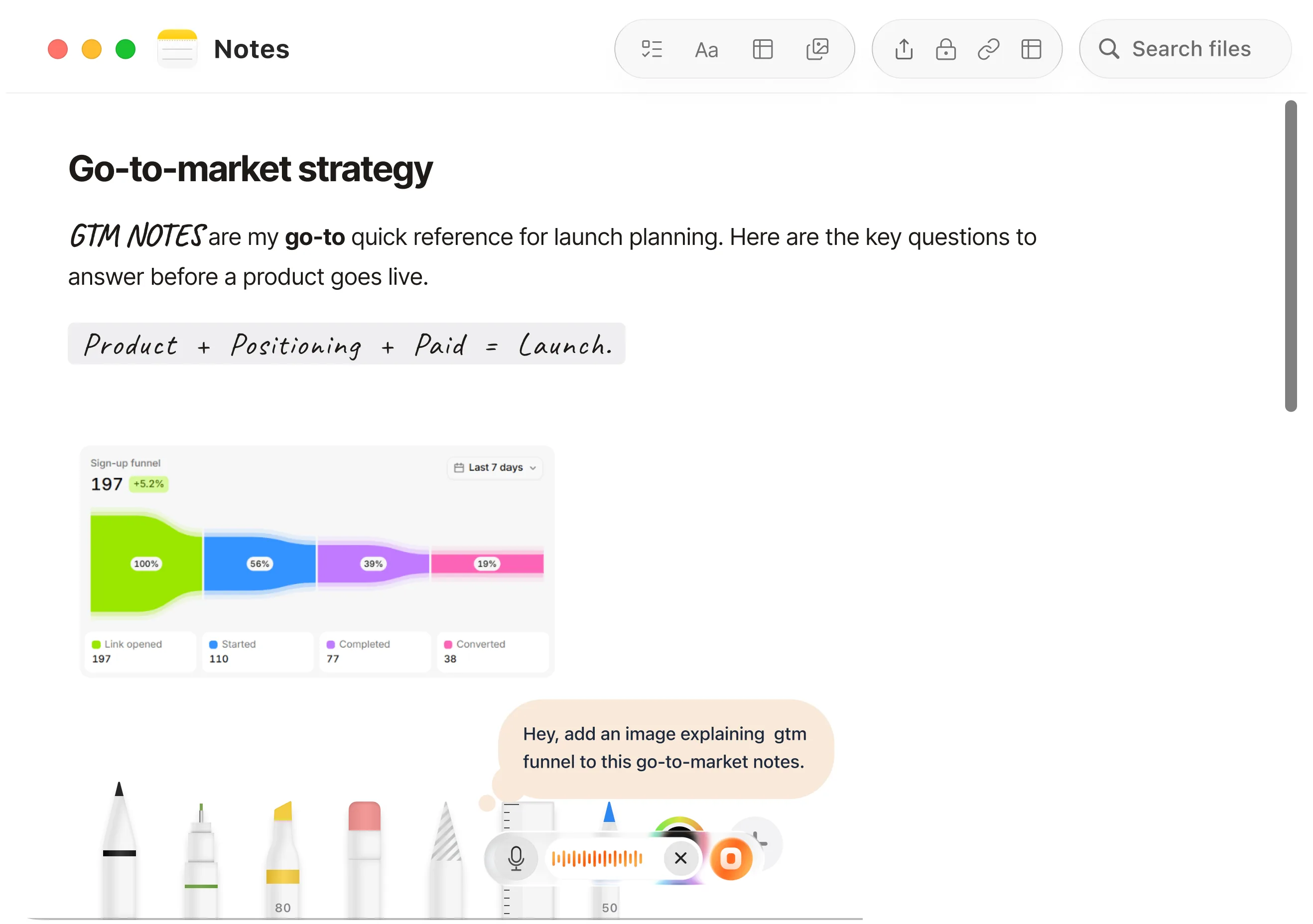
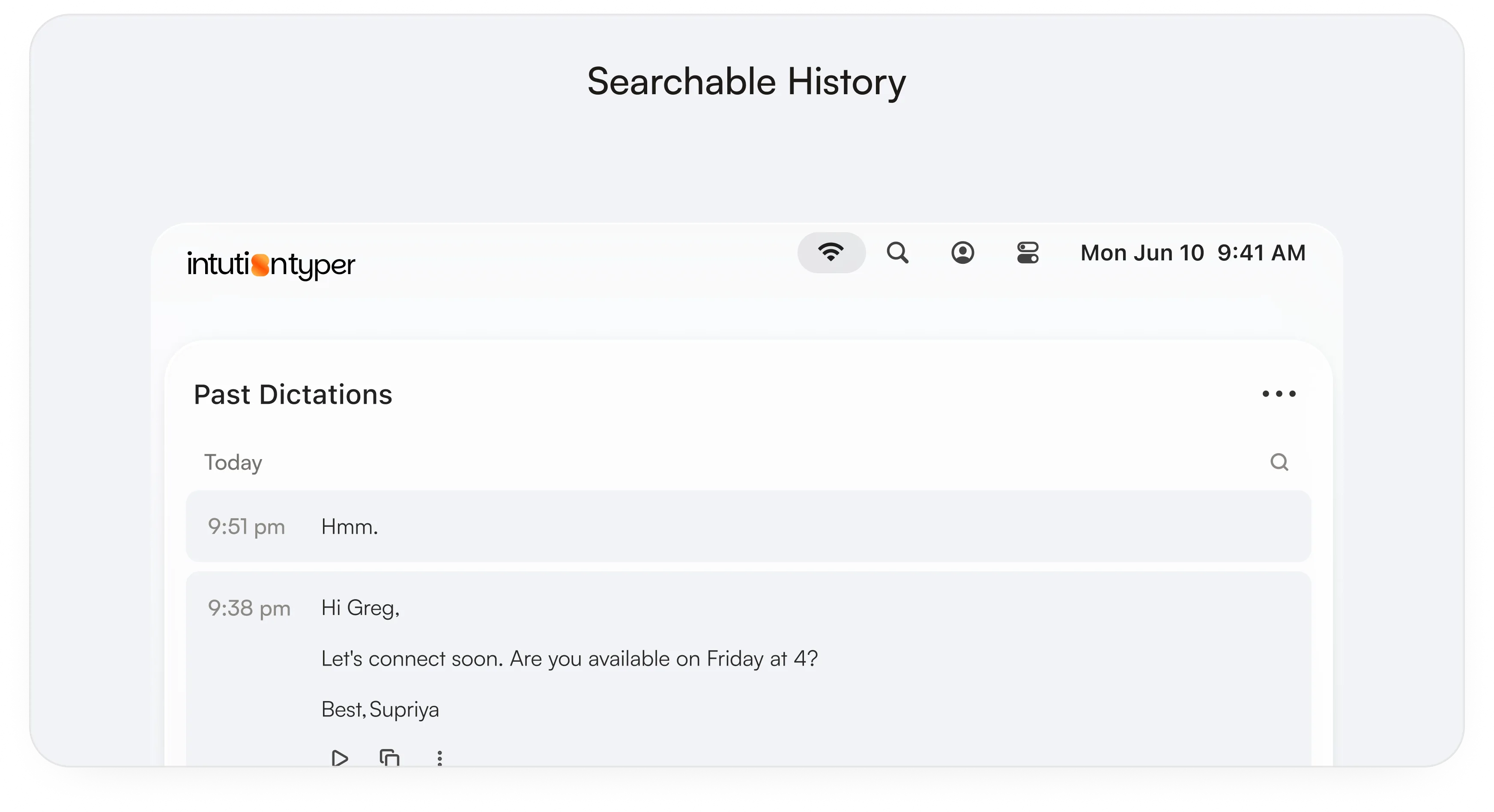
Personalize how IntuitionTyper handles your words, access past work, and speed up everyday tasks.
Personalize how IntuitionTyper handles your words, access past work, and speed up everyday tasks.
Everything you need to know about Intuitiontyper.
You can dictate text, write email replies, create formatted documents, generate AI prompts and images, or edit existing content using your voice.
Turn what you say into finished work, directly in the apps you already use.




 Slack
 Notion
 Gmail
 Message
 Claude
 Finder